How to Design a Logo Table Cover That Reads From Across the Room
Design tips for a logo table cover people can read from across the room: logo size and placement, colors, text and how your table style changes the layout.
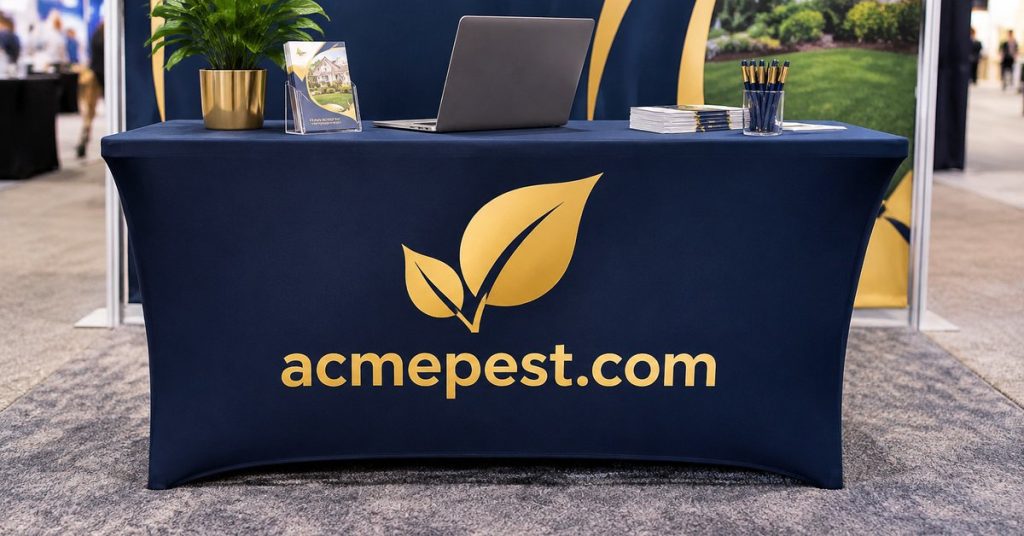
Quick answer: Put one large logo on the front panel, keep text to a few words, use strong contrast and leave plenty of empty space. People walking past a booth only glance at it, so the cover should say who you are at a glance, not explain everything you do.
Rule 1: One big logo on the front
Center your logo on the front panel, high enough that it isn’t hidden by legs, boxes or the floor. Make it the largest thing on the cover.
Rule 2: Few words
Add at most a short tagline or website under the logo. Save product lists and prices for signs and handouts.
Example: A pest control company replaces a cover listing six services with one that shows its logo and “Pest-Free Homes · acmepest.com”. Visitors can now read it from the aisle.

Rule 3: Strong contrast
Use a light logo on a dark cover, or a dark logo on a light cover. A gold logo on navy is a good example.
Bring Your Ideas to Life
Create custom table covers for your next event, promotion or organization. No minimum order on most products.
Shop Table Covers →Rule 4: Leave empty space
Empty space makes the logo look bigger and more confident. Don’t fill the corners with icons.
Rule 5: Plan for what’s on the table
Displays, laptops and brochures will cover part of the top and sometimes the top edge of the front. Keep the logo below the top edge so it stays visible.
How table style changes the layout
Our table covers come in 4, 6 and 8 ft sizes and in throw, fitted or stretch styles, with your exact combination confirmed on the proof.
- Throw: drapes and folds at the corners, so keep the logo on the flat front panel.
- Fitted: a clean, flat front, ideal for a crisp logo.
- Stretch: pulls tight, so the design follows the table’s shape.
Read Throw vs Fitted vs Stretch to choose a style, and our table cover sizes guide to get the fit right.
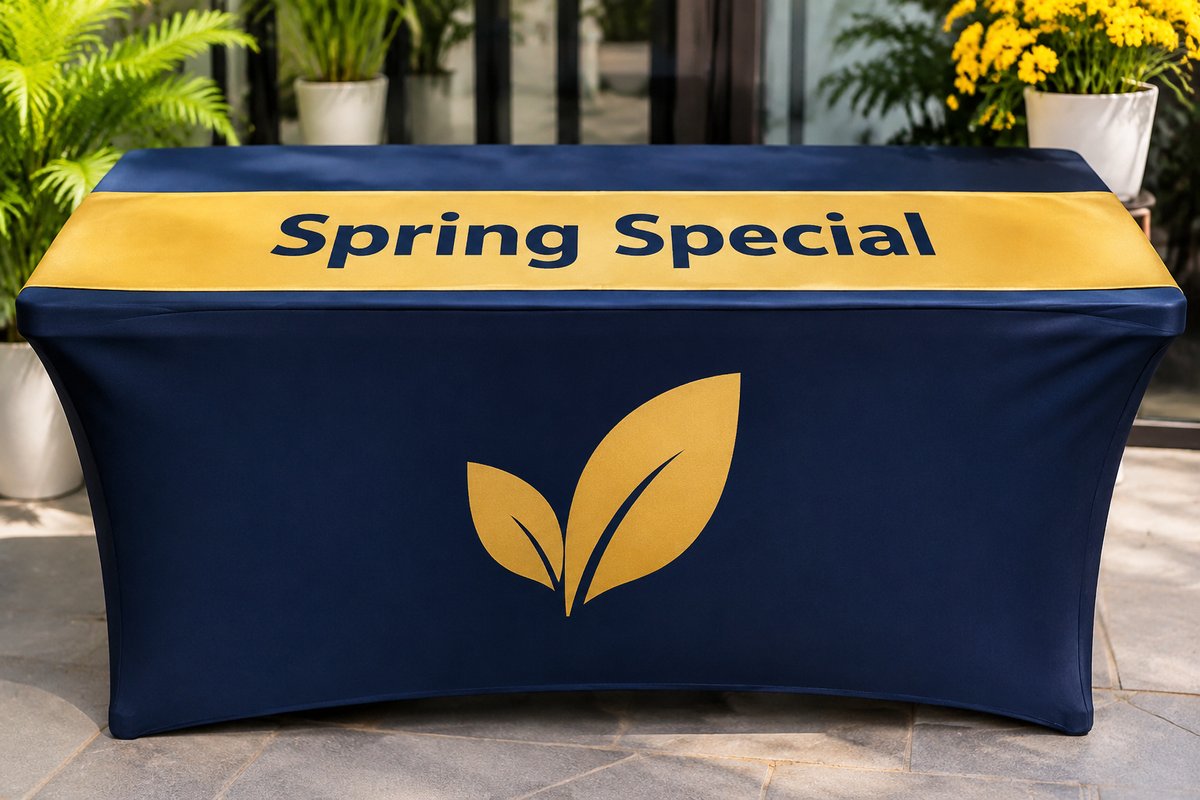
Add a runner for messages that change
If you want to promote a seasonal offer, put it on a table runner and keep the cover simple. Swap the runner when the offer changes. See table cover vs table runner for when to use both.
Artwork checklist
- Logo as a vector file (AI, EPS, SVG or PDF), or a large PNG
- Brand colors noted
- Text spelled correctly
- Table size and style confirmed on the free design proof
Getting ready for a show? Our trade show booth checklist covers everything else to order.
Timing
Standard production is 3–5 business days, plus 5–7 business days of free standard shipping worldwide (USPS or UPS). If your date is close, rush ($30) is 1–3 business days of production plus 3–5 of shipping. Production starts after you approve your free design proof.
Frequently asked questions
Where should the logo go on a table cover?
Centered on the front panel, below the top edge so table displays don’t hide it.
How much text should a table cover have?
A logo plus a short tagline or website is usually enough.
What file should I send?
A vector logo (AI, EPS, SVG or PDF) or a large PNG.
Is there a minimum order?
Most PrintVow products have no minimum, so one cover is fine.
Get a free table cover proof
Send your logo, table size and preferred style, and we’ll make a free design proof.
- Email: hello@printvow.com
- Phone: +1 307-430-1110
- Shop: printvow.com/shop