How to Prepare Logo Files for Printing: Vector, PNG and Resolution Basics
How to prepare your logo for printing on wristbands, cards, table covers and more: vector vs PNG, resolution, colors and simple fixes before you send it.
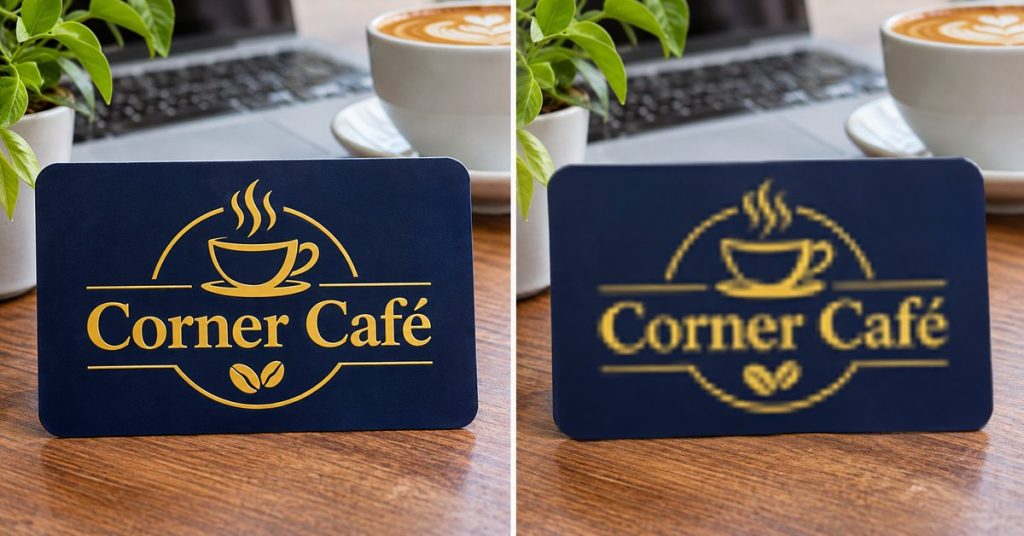
Quick answer: Send a vector file (AI, EPS, SVG or PDF) if you have one, because it stays sharp at any size. If you only have an image, send the largest PNG you have with a transparent background. Avoid screenshots and logos copied from websites or social media. Either way, our team checks your file on the free design proof.
Vector vs image files
- Vector: Examples: AI, EPS, SVG, vector PDF; Good for printing?: Best: sharp at any size
- Large image: Examples: High-resolution PNG; Good for printing?: Good if big enough
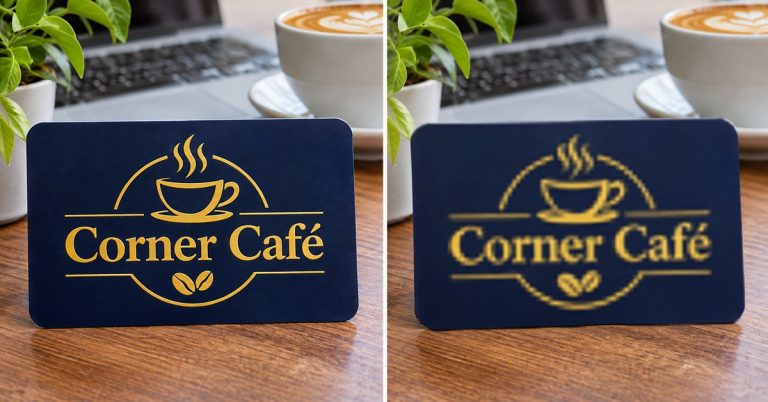
- Small image: Examples: Screenshots, web logos, social media avatars; Good for printing?: Often blurry
How to find your vector logo
- Ask your designer or whoever made the logo.
- Check old print orders (business cards, signs).
- Look in brand folders for AI, EPS, SVG or PDF files.
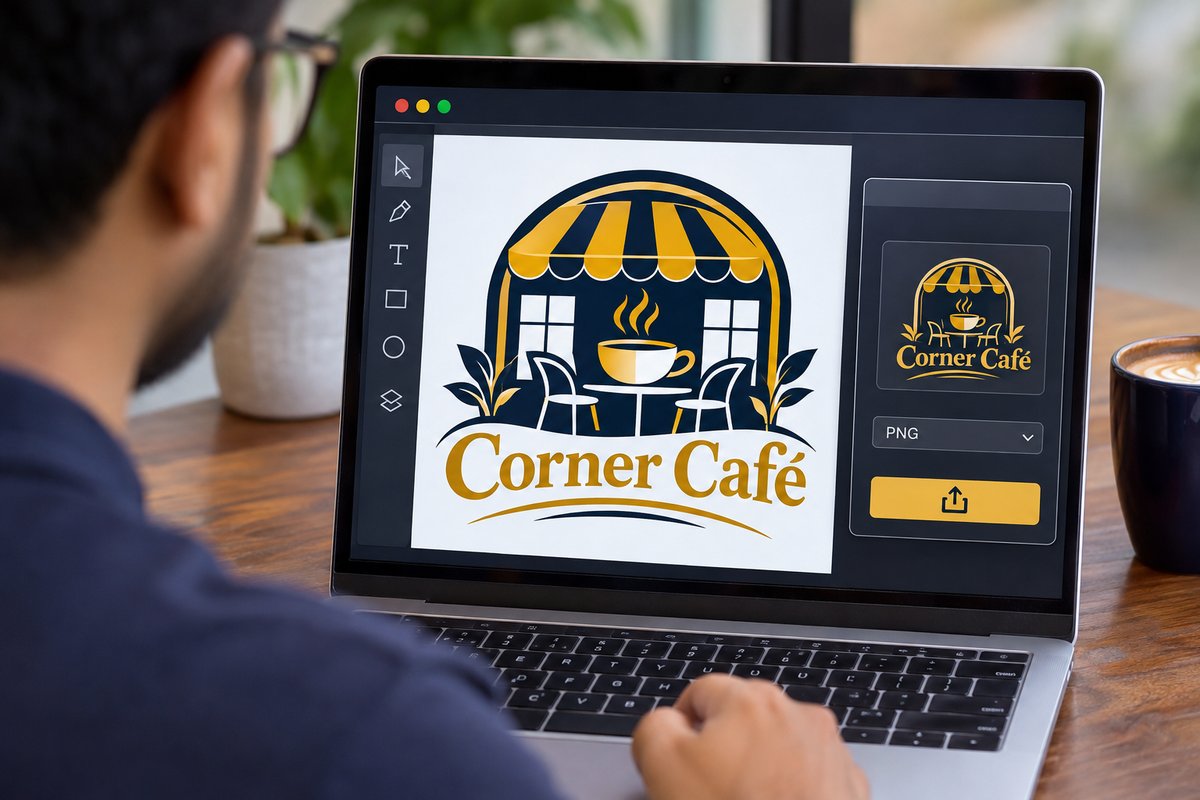
If you only have a PNG
- Find the largest version.
- Use a transparent background if possible.
- Send it anyway. Our team checks every file and will flag anything that needs work on your free design proof.
A commonly recommended rule of thumb for image files is 300 DPI at the size it will print. Don’t worry if you’re not sure: we’ll check it on your proof.
Bring Your Ideas to Life
Create custom wristbands, can coolers, lanyards and more for your next event, promotion or organization. No minimum order on most products.
Shop Buyer Guides →Colors
- Share your brand colors (for example navy #1B2A4A and gold #F2B705).
- Screens and printed products show color differently, so judge contrast more than exact shade.
- One- or two-color versions work best for debossed or embossed wristbands and engraved metal cards.
Simplify for small products
Fine detail and small text get lost on small items. Have a simple version of your logo for:
- Silicone wristbands
- Lanyards
- Metal cards (engraving)
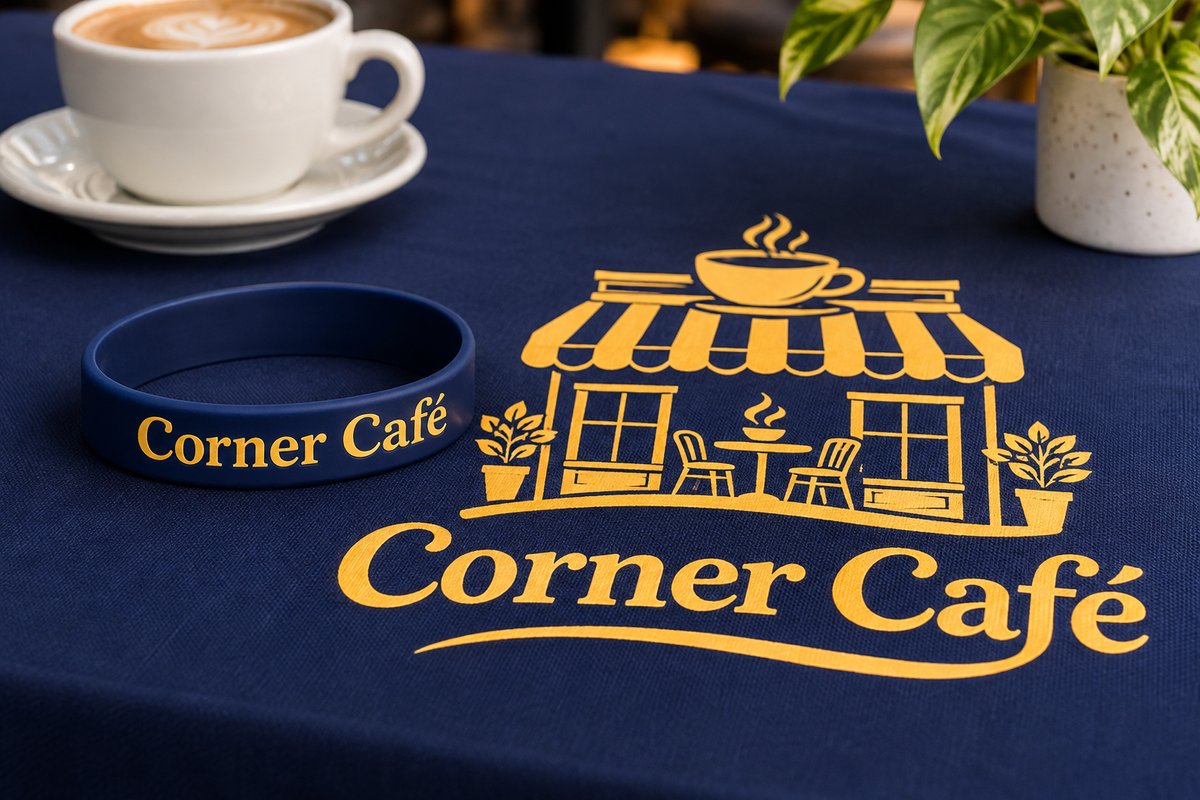
Full detail works on larger areas like table covers and PVC cards.
Example: A café’s logo has a detailed illustration. For wristbands, they send just the café name in their brand font; for the table cover, they use the full logo.
Checklist before you send
- Vector file or largest PNG
- Simple version for small items
- Brand colors listed
- Text spelled correctly
Before you approve, run through our design proof checklist.
Timing
Standard: 3–5 business days of production plus 5–7 of free standard shipping. Rush ($30): 1–3 plus 3–5. Production starts after you approve your free design proof.
Open the box the day it arrives. We don’t offer refunds, but we’ll remake a valid issue free if you report it within 24 hours of delivery.
Frequently asked questions
What file format is best for printing a logo?
A vector file: AI, EPS, SVG or vector PDF.
Can I send a JPG or PNG?
Yes, send the largest version you have. We’ll flag issues on the free proof.
Will my colors match exactly?
Printed color can differ from screens, so focus on strong contrast.
Is there a minimum order?
Minimums depend on the product. Can coolers and PVC cards start at 5 pieces, lanyards start at 2, and table covers start at 1.
What if something is wrong when it arrives?
Report a valid issue within 24 hours of delivery and we’ll remake the order free. We don’t offer refunds.
Send your logo for a free proof
Email your file and tell us which products you need.
- Email: hello@printvow.com
- Phone: +1 307-430-1110
- Shop: printvow.com/shop